I braced myself for another gimmicky email tool. Flodesk Studio surprised me.
IAs a Flodesk Partner, I'm sharing my honest experience with Flodesk Studio.
can spot a generic email from a mile away. You know the ones, the layout that came straight off a template, the same stock spacing, that sameness that makes ten different businesses' emails all blur together in your inbox. As a photographer, I spend all day thinking about how things look, so an email that doesn't feel like my brand bugs me more than it probably should.
The trouble is, making an email actually look like you usually takes forever. I'd sit down to send something simple, and an hour later I'd still be nudging spacing, wrestling with a layout, and trying to get it close to what I'd pictured in my head. Pretty and on-brand always seemed to come with slow attached. And every tool that promised to fix that had, in my experience, just handed me more templates that looked like everyone else's.
My first reaction to Flodesk Studio
So when Flodesk reached out about a new tool called Studio, I'll be honest with you about my first reaction. I got access, went through the setup, uploaded my logo and my brand colors and my fonts, and then I landed on the main page. And my stomach kind of dropped. It looked like every other chat tool I'd seen. A big open text box, a cursor blinking at me, that same "ask me anything" energy. My first thought was oh no, here we go, this is going to be another gimmicky tool that spits out the same generic thing for everyone, just with a Flodesk logo on it. I wasn't disappointed exactly. I was more just skeptical, quietly bracing myself to be underwhelmed.
And then I started poking around, and the skepticism started to fade. The first thing that got me was the prompts. Instead of a blank void asking me to figure out what to type, Studio had all these starting points that were specific to email, and specific in a way that told me real people had written them. Not generic filler. The kind of prompts someone who actually understands email design would hand you. You could feel a human design team behind it.
What makes Flodesk Studio different?
So here's the part where I tell you yes, there is AI involved, because I don't want to be weird about that. But it works differently than what you're probably picturing. Studio isn't generating your brand out of thin air or scraping your account to learn how to sound like you. It's built on top of thousands of design pieces that a real human design team created, layouts and blocks and typography and color palettes, and the AI's job is to assemble those human-made pieces around your brand and your prompt. It's speeding up the process, not inventing it. And your data stays yours. Studio isn't trained on your Flodesk account or your subscriber list, and the two platforms are completely separate. That was the thing that flipped me from skeptical to paying attention. The reason a Studio email looks like a designer made it is that, underneath, one did.
Setting up your brand in Flodesk Studio
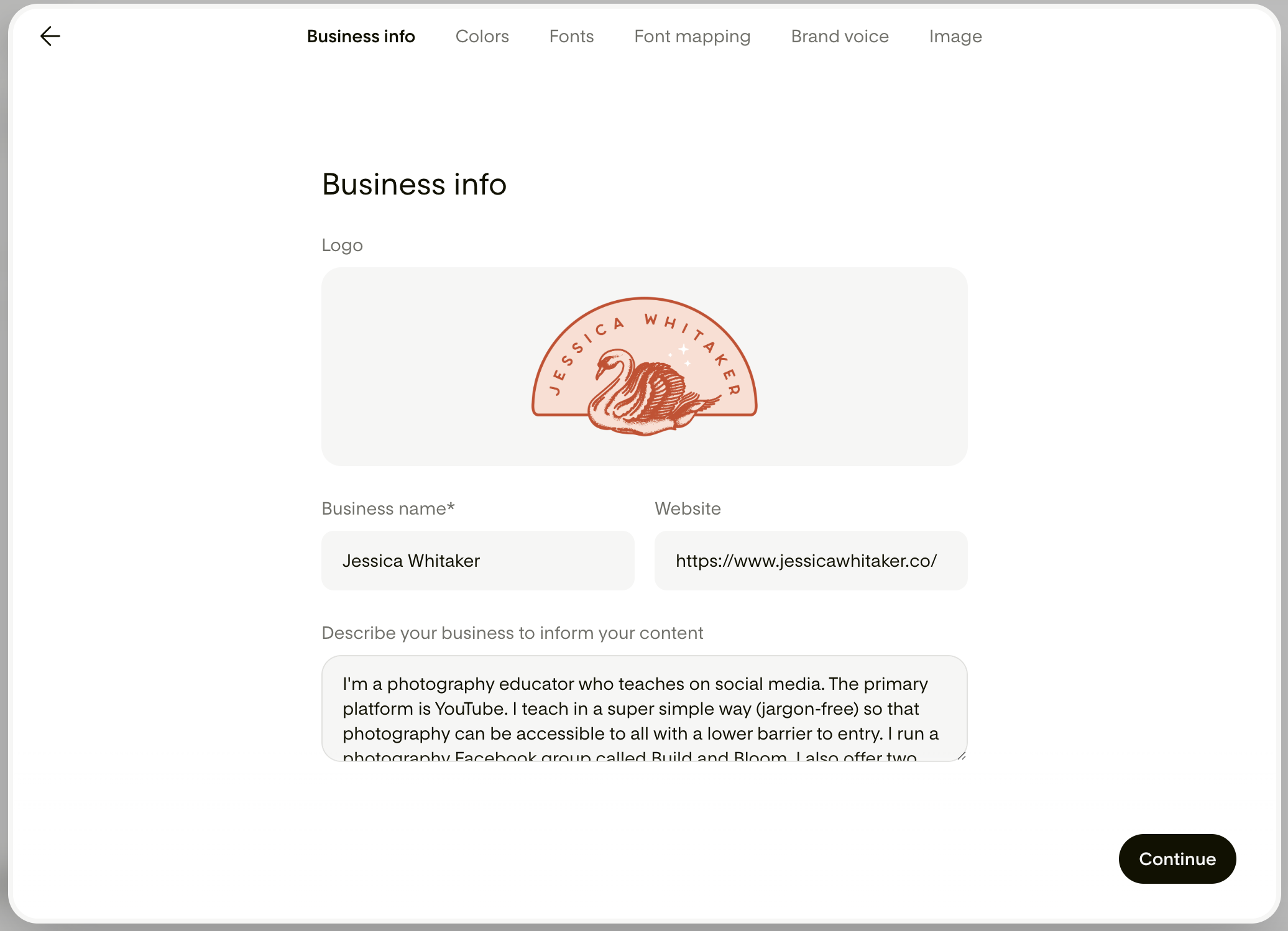
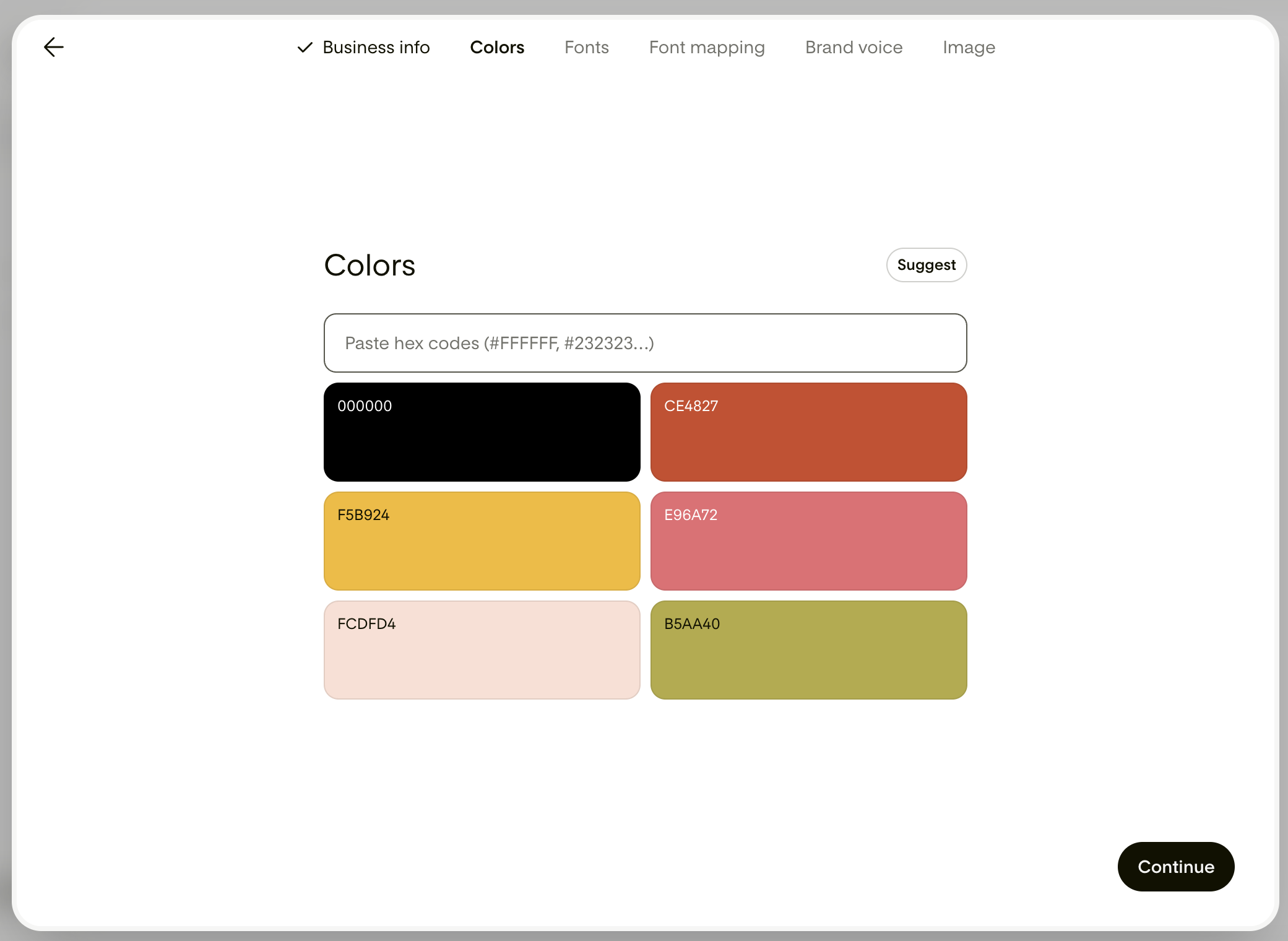
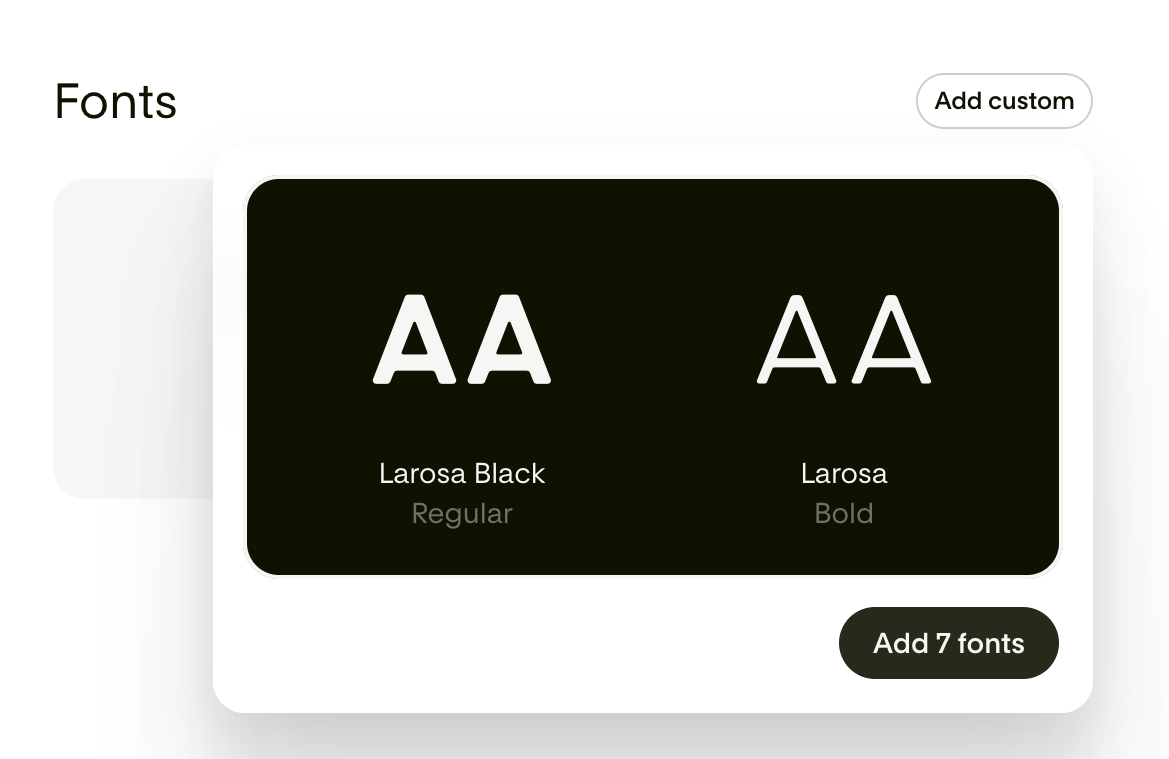
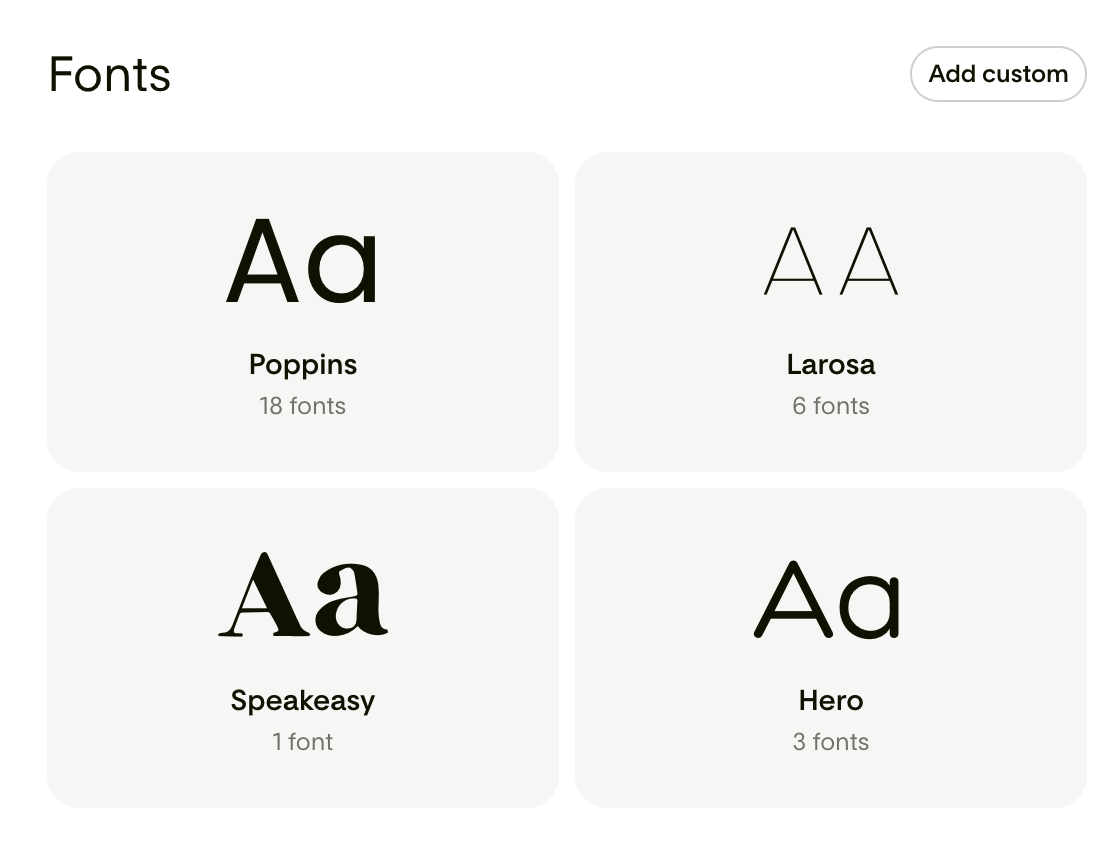
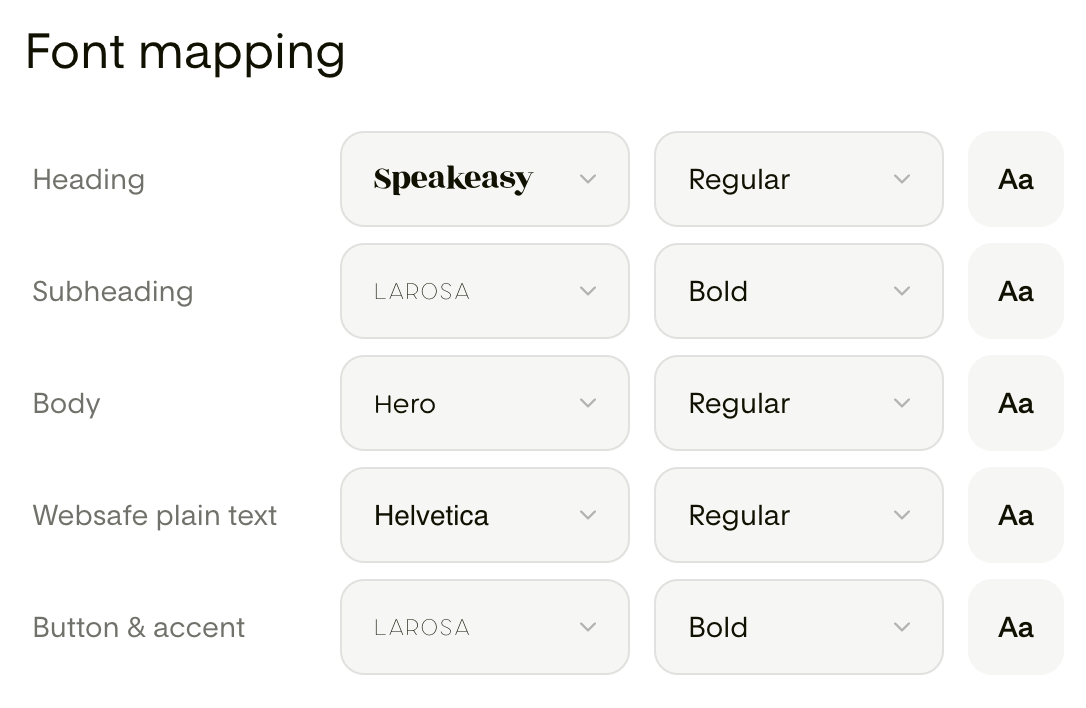
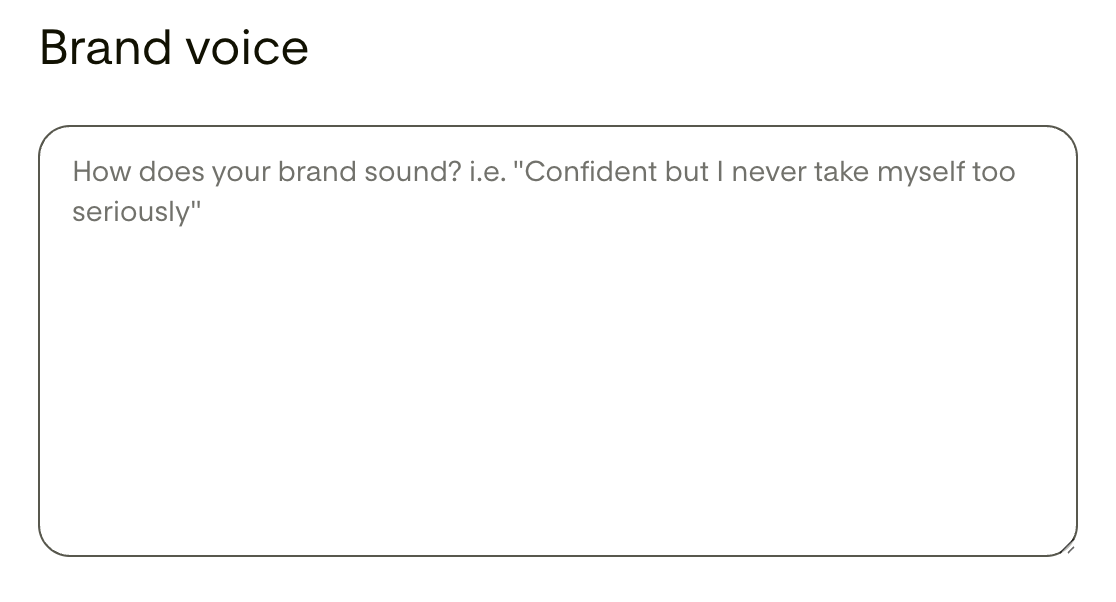
So here's how it actually works, starting from the very beginning. When you make your Flodesk Studio account, it walks you through setting up your brand before you design a single thing. You add your business info, your logo, your name and website, and a short description of what you do and who you serve. You drop in your colors. You upload your fonts. Then you do something called font mapping, where you tell it exactly which font belongs on your headings, your subheadings, your body text, your buttons, and so on. There's even a spot to describe your brand voice, the way you actually sound, so the words land more like you too.
How this compares to designing in regular Flodesk
And this is where I noticed a real difference from designing inside regular Flodesk. In Flodesk, I can save my brand fonts, but I still have to go in and apply them by hand on every new email, and they aren't available in every kind of text block, so I'm forever reselecting the same fonts to keep things looking consistent. In Studio, I set that font mapping one time, and after that every email it builds already has the right fonts in the right places without me lifting a finger. It just remembers. That sounds like a little thing, but when you send emails as often as I do, that saved time really adds up.
How I redesigned a client email in Flodesk Studio
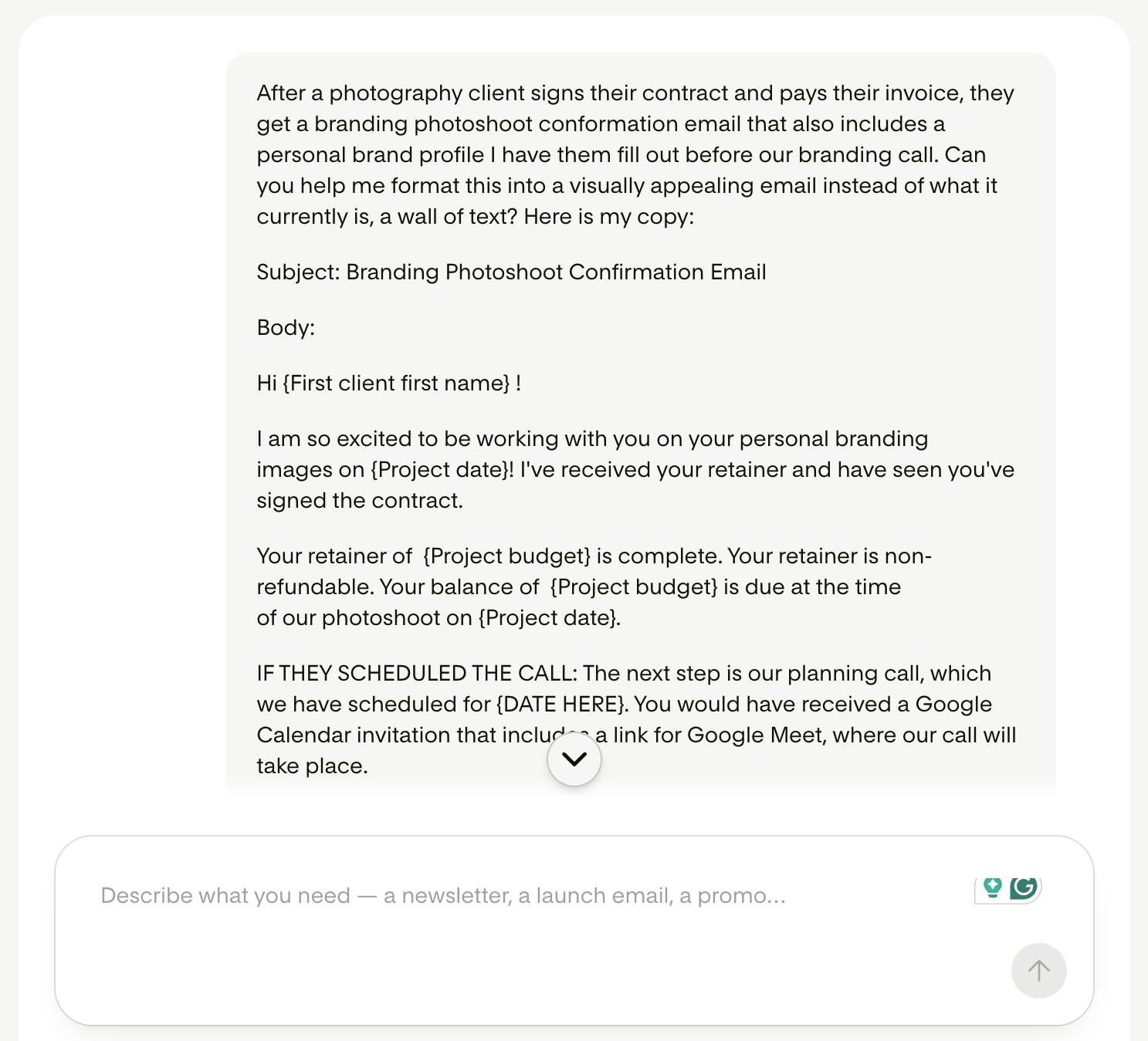
Once my brand was all set, I put it to work on a real email, and that's where it clicked for real. I have a Branding Photoshoot Confirmation Email that goes out to clients after they sign their contract and pay their invoice. You know the type. Important, useful, and up until now, a total wall of text. So I took that existing copy, pasted it straight into Studio, and asked it to turn my wall of text into something that looked good.
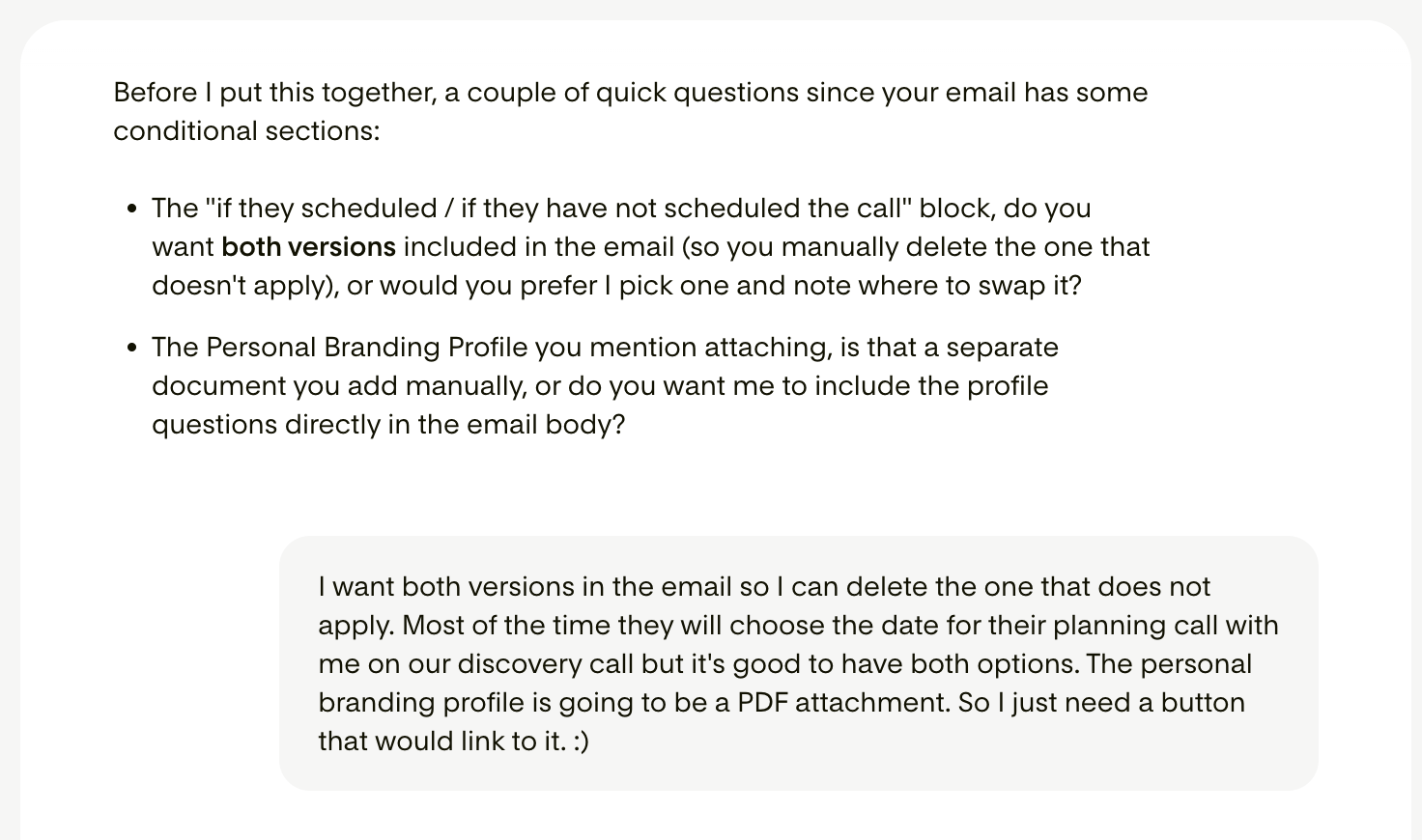
Here's the first thing that surprised me. Before it built anything, it asked me questions. My email has a couple of conditional sections, a part that changes depending on whether the client has already scheduled their planning call, and a personal branding profile I have them fill out beforehand. Studio caught both of those on its own and asked me how I wanted to handle them. That is exactly the kind of thing you'd want a good designer to catch. It wasn't just spitting something out at me, it was thinking through how the whole thing should come together with me.
Here's the first thing that surprised me. Before it built anything, it asked me questions. My email has a couple of conditional sections, a part that changes depending on whether the client has already scheduled their planning call, and a personal branding profile I have them fill out beforehand. Studio caught both of those on its own and asked me how I wanted to handle them. That is exactly the kind of thing you'd want a good designer to catch. It wasn't just spitting something out at me, it was thinking through how the whole thing should come together with me.
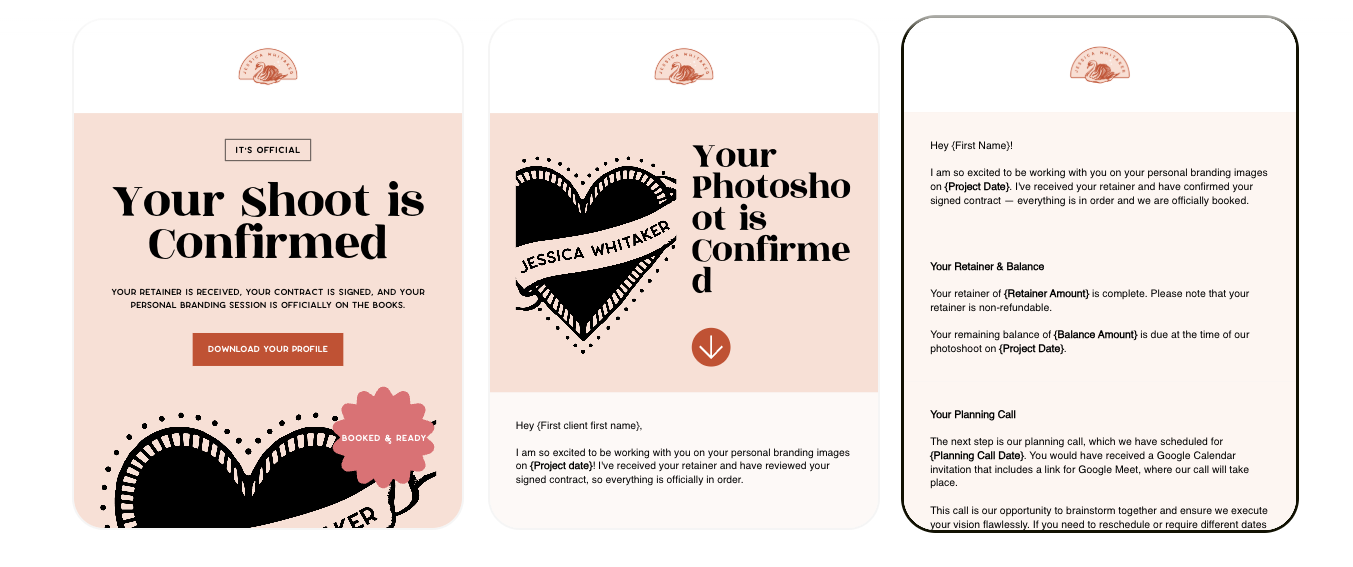
Then it gave me three different designed versions to choose from, and all three were on brand. My logo, my colors, my fonts, my whole vibe, already applied. Not a generic template with my stuff dropped on top, but layouts that looked like they were made for me. I went with the first one.
Editing the email by hand
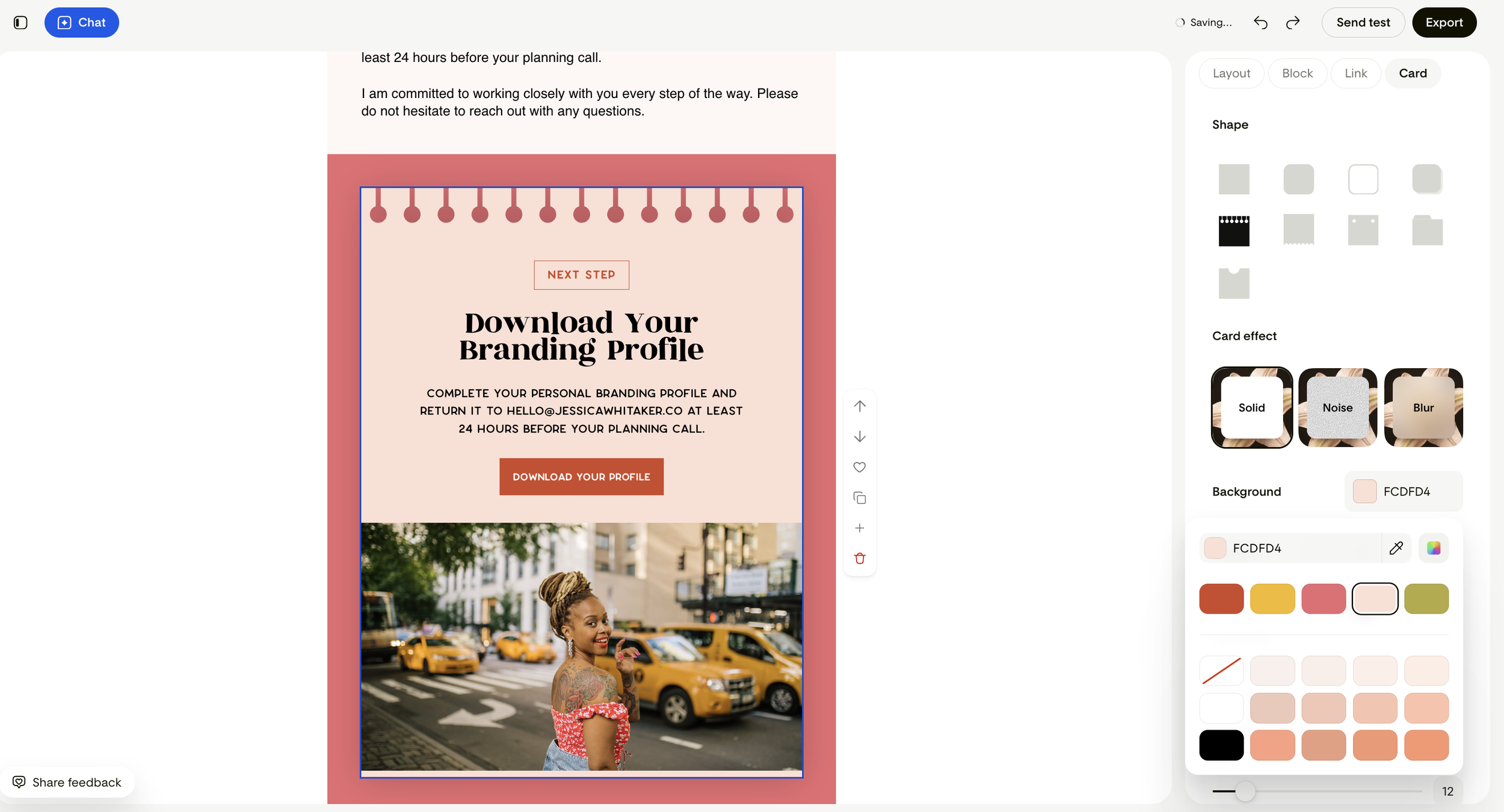
And here's the part I really cared about, because this is where most tools lose me. I could change everything. I went in by hand and adjusted the card shapes, played with the background colors from my own palette, tried the different card effects like solid and grain and blur, and added a button that links straight to my branding profile PDF. I was in control the entire time. It got me most of the way there fast, and then it got out of my way so I could make it mine.
Sending the email from Flodesk
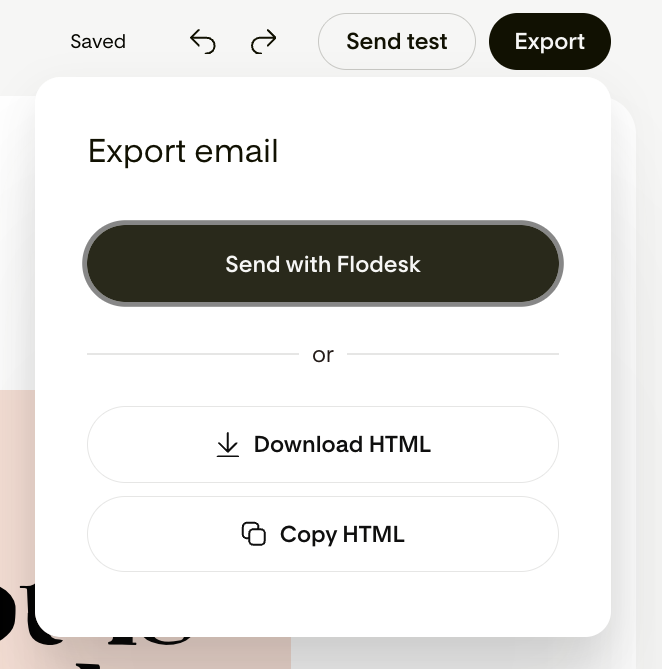
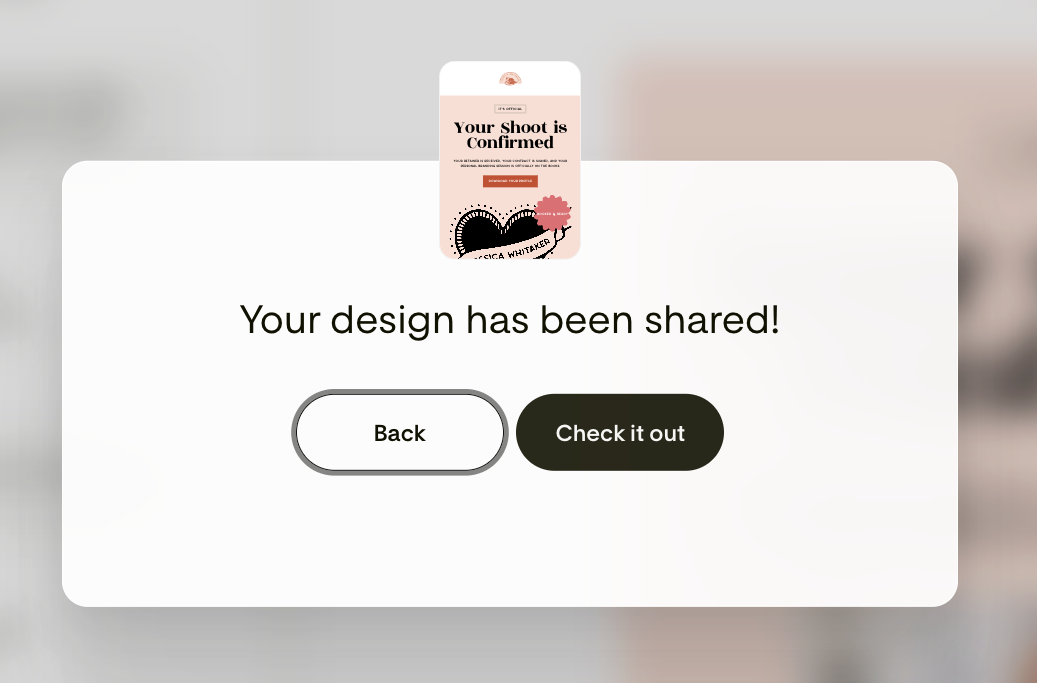
When I was done, I clicked over to send it, and this is the other thing worth knowing. Getting it out of Studio and into my Flodesk account was almost too easy. I hit export, and I got the choice to send it straight to Flodesk, or, if you're on another email platform, to download or copy the HTML and take it wherever you send from.
I went with Flodesk, and it did its thing transferring the design over. And then it just opened right up inside my Flodesk account, sitting there ready to go, exactly the way it looked in Studio.
And then it just opened right up inside my Flodesk account, sitting there ready to go, exactly the way it looked in Studio.
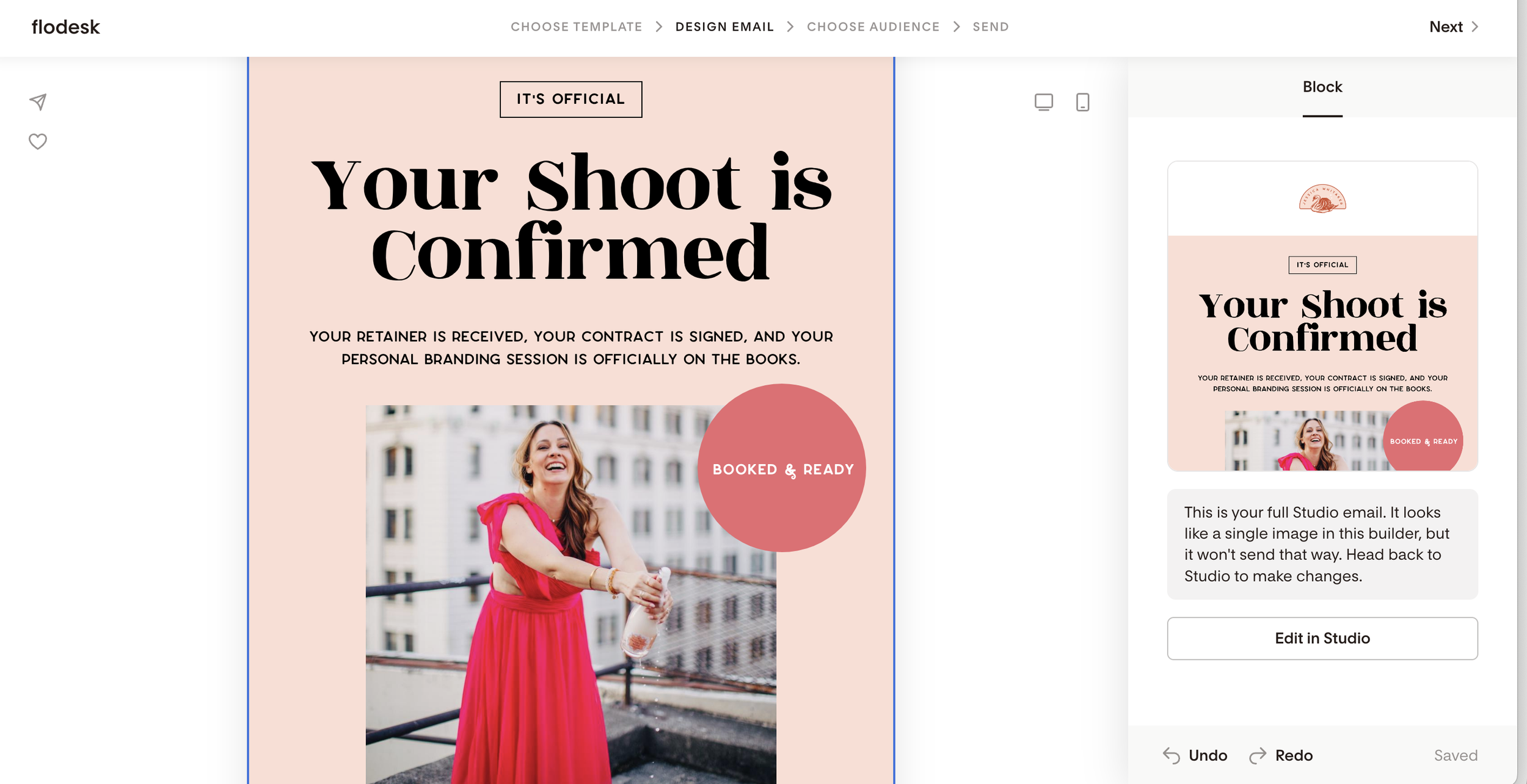
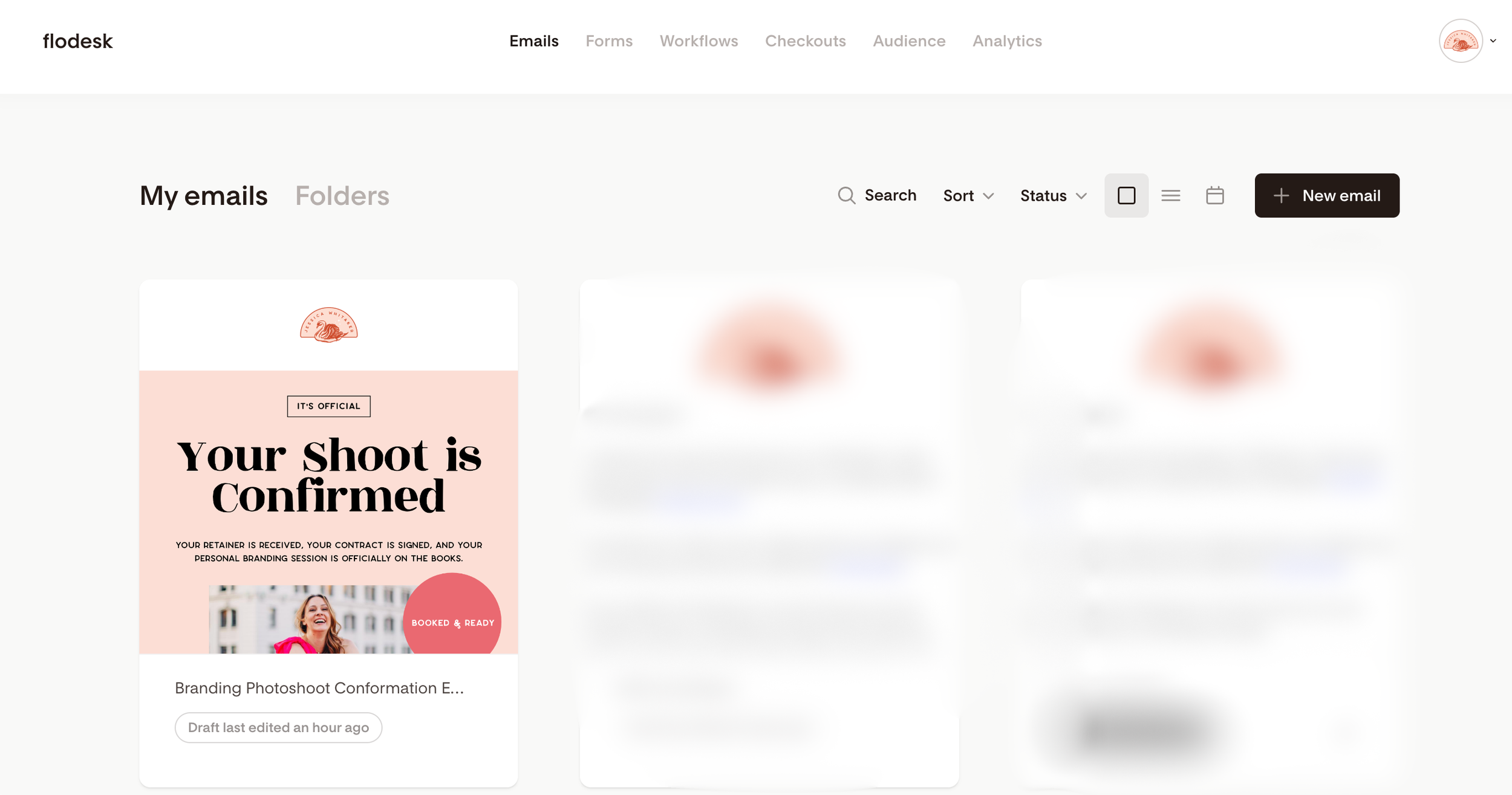
So even if you're not a Flodesk person yet, you can still design in Studio and send from wherever you already are. But if you are on Flodesk, the handoff is basically seamless.
What used to eat an entire afternoon of fighting with formatting took me a few minutes.
A few other things worth knowing
I pasted in my own copy because I already had my confirmation email written, but if you ever sit down and the words just aren't coming, you don't have to start from your own writing. You can start from a prompt instead, and Studio will give you a draft to shape from there. It's not the part I lean on, since I like writing my own, but it's a nice head start when you want one.
The bigger thing, at least for me, is what you can do once your emails are actually designed. Pair Studio with Flodesk and you're not just making one pretty email at a time, you can build whole sequences that send on their own. A welcome series that greets every new subscriber, a nurture sequence that keeps people warm between launches, or a multi-email campaign for a sale or a new offer. You design each email to look like you in Studio, and Flodesk sends them in the right order at the right time while you're off doing literally anything else.
The emails every photographer should have
Now here's where I want to slow down, because that confirmation email is just one example, and if you're a photographer reading this, there are a few emails you really should have working for you that Studio makes almost embarrassingly easy to build.
Start with a website opt-in
The first is an opt-in for your website. This is the freebie that gets potential clients onto your email list before they're ready to book, and it can be as simple as a plain text email or a downloadable PDF. Think about what your clients are always asking you. How to coordinate outfits for a family session, how to prep for a shoot, what to expect on the day. Turn that into a little guide, offer it in exchange for their email, and now you have a way to keep talking to people who aren't quite ready to reach out yet. You can even film a quick video and drop it right into the email, which is a really nice way for people to meet you before they ever get on a call with you.
Turn it into a simple booking sequence
From there, you can build out a short sequence, up to about three emails, that walks someone from grabbing your freebie to booking you. The first email delivers the freebie you promised. The second one introduces you and your business, the story behind your work and why you do it the way you do. And the third makes the ask, the "here's how to book with me" email. It's a simple little path, and it runs quietly in the background while you're off actually shooting.

Flodesk Studio is free while it's in beta
Studio is in beta right now, which means it's completely free. No credit card, no catch. It won't stay free forever though. Eventually it'll cost something, so if you've been curious, this really is the best time to go play with it while there's nothing to lose.
A few questions people keep asking about Flodesk Studio
What's the difference between Flodesk and Flodesk Studio?
Flodesk is the email marketing platform you might already know, the place where you build, send, and manage your emails and your subscriber list. Flodesk Studio is a separate app that's just for designing your emails. You create the design in Studio, then send it from Flodesk or take it somewhere else. The easiest way I think about it is that Studio is the design room, and Flodesk is where you actually hit send.
Is Flodesk Studio a separate website and platform from Flodesk?
Yes, it is. Studio is its own app, built on entirely new infrastructure, which is what lets the team move quickly and try new things without touching the Flodesk you already use. Using Studio doesn't change or mess with your current Flodesk setup at all. Some of Studio's features may make their way into Flodesk down the road, but for right now they live in two separate places.
Is Flodesk Studio AI?
There's AI involved, but not in the way most people picture it. Studio is built on thousands of design pieces made by a real human design team, and the AI's job is to assemble those pieces around your brand and whatever you prompt it with. So it's speeding up the design work rather than inventing your brand from nothing. If a Studio email looks like a designer made it, that's because one did.
Is my data safe with Flodesk Studio? Does it train AI on my data?
Your data stays yours. Studio isn't trained on your Flodesk account or your subscriber list, and the two platforms are kept separate, so your information isn't getting fed back to train any AI models. The only thing it uses is the brand information you choose to give it, like your logo, colors, and fonts, so it can make your emails look like you.
Do I need a Flodesk account to use Flodesk Studio?
Studio works best when you're sending from Flodesk, since the two connect so smoothly, but you don't have to be a Flodesk user to design in Studio. You can create your email and then export the HTML to send from whatever platform you're on. That said, if you want that one-click, everything-in-one-place experience, having a Flodesk account is the way to go.
Can I use Flodesk Studio if I'm on Mailchimp, ConvertKit, or another email service?
Yes. Studio works best with Flodesk, but you can export or copy the HTML and use your design on any platform that supports HTML email, so Mailchimp, ConvertKit, Beehiiv, and plenty of others will work. You design it in Studio and send it from wherever you already are, so you don't have to switch everything over just to make prettier emails.
Does Flodesk Studio work with my brand fonts and colors?
It does, and this was the part that won me over. You upload your logo, your colors, and your fonts up front, and Studio builds around them, so what it hands you already looks like your brand instead of a generic template you have to fix. When I made my client email, my whole look was applied from the very first version.
Can I edit the emails Flodesk Studio makes, or am I stuck with what it generates?
You're in full control the whole way through, which was a big deal for me. Studio gets you most of the way there fast, and then you can refine it however you like, whether that's asking for changes in chat or going in by hand to adjust layouts, swap colors, move things around, and fine-tune every little detail. It gets you started, but the finished email is yours to shape.
What kinds of emails can I make in Flodesk Studio?
Right now Studio is focused on email design, so you can make things like client emails, newsletters, launch emails, welcome sequences, and freebies, really any email you send. It's email-first for now, but the team has said forms, pages, and other marketing pieces are on the way. So it's a good idea to get comfortable with it while it's growing.
How much does Flodesk Studio cost?
Right now it's completely free, because it's in beta. There's no credit card required and no catch. It won't stay free forever though, since the beta is partly how they're figuring out what it'll eventually cost, so if you've been curious, this is a really good time to get in and play with it while there's nothing to lose.
Is Flodesk Studio free?
Yes, for now. While it's in beta it's free to use, with no payment info needed. That will change at some point down the road, so the honest advice is to take advantage of the free window while it's here.
Is Flodesk Studio worth it?
For me, yes, and I say that as someone who went in fully expecting not to like it. It saved me a real chunk of time on something I used to dread, and the emails actually looked like me at the end. Since it's free while in beta, you don't have to take my word for it, you can try it yourself and see if it clicks the way it did for me.
Is Flodesk Studio good for photographers?
I think so, especially if design isn't the part of your business you love. So much of what we send clients, the confirmation emails, prep guides, and welcome sequences, tends to sit in plain unstyled text because making it look nice takes time we'd rather spend shooting or editing. Studio makes those emails look polished and on brand without eating your whole afternoon, which is exactly why I wanted to write about it.
If you've ever sat down to send an email and lost a whole afternoon trying to make it look like you, or if you've been putting off building those client emails because the design part feels like too much, go make something in Studio and see how it feels. You can start creating today at studio.flodesk.com.